Weblioner
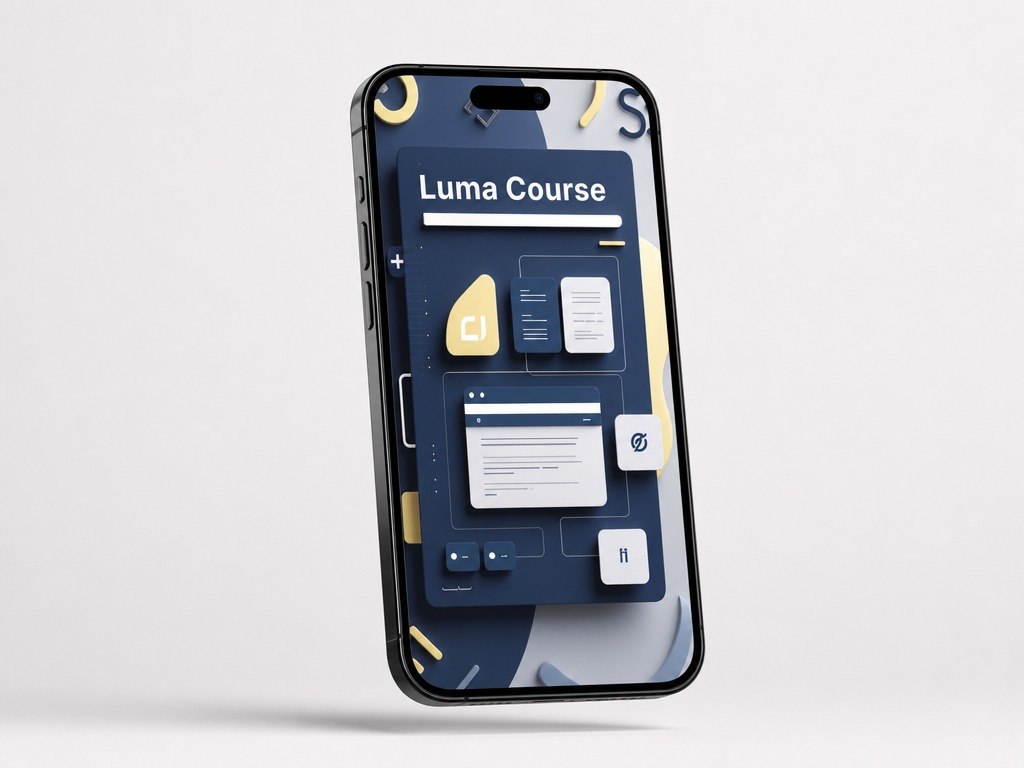
Luma Course
Luma Course
Couldn't load pickup availability
- 💾 Digital file available after purchase
- 📚 Long-term availability
- 🔐 Secure checkout
- 🧩 Content updated in 2026
Self-paced learning overview
1. Learning Situation
After becoming familiar with basic concepts, many learners want to better understand the logic behind page creation. A learner may know separate tags, properties, and commands, but may not always see how they form a clean interface. Because of this, learning examples can sometimes feel like separate fragments without one clear direction. It can also be difficult to move from a small code block to a complete page. Luma Course is created to make learning more organized, attentive, and connected to practice.
2. How This Plan Helps
Luma Course divides page creation into understandable parts: structure, visual presentation, block placement, and basic interaction. The materials show how HTML forms the base, CSS shapes the appearance, and JS adds element behavior. Each module has its own learning role and gradually leads to building a small interface. This plan helps you work through a clear sequence instead of jumping between unrelated pieces. It is a good choice for learners who want more practice after the starter plans.
3. What’s Inside
- Module 1: Clean Markup — how to create a neat HTML structure and understand the purpose of core elements.
- Module 2: Text & Sections — how to work with headings, paragraphs, lists, sections, and content blocks.
- Module 3: Visual Basics — how CSS helps set colors, sizes, spacing, typography, and element borders.
- Module 4: Layout Flow — how to place blocks on a page and keep visual order between sections.
- Module 5: Component Card — how to create a learning card with text, a button, and styling.
- Module 6: JS Reaction — how to add a simple reaction to a user action and change an element state.
- Module 7: Small Interface Build — how to assemble a small learning interface with HTML, CSS, and JS.
- Module 8: Review Notes — how to review your own code, find unnecessary parts, and make the structure neater.
4. Who This Plan Is For
✅ Fits you if you...
Want to study HTML, CSS, and JS through organized learning blocks.
Want to better understand how separate page parts form one interface.
Like practical examples with explanations of the logic behind each step.
Want to create a small learning interface based on several modules.
Are looking for a plan with more material than the starter options.
❌ Not for you if you...
Expect personal consultations or individual review of all tasks.
Want to work with large multi-page projects right away.
Are looking for materials on only one topic without HTML, CSS, and JS working together.
Need advanced topics without reviewing basic concepts.
5. What You’ll Study
- Building a neat HTML structure for a learning page.
- Dividing content into sections, cards, text blocks, and buttons.
- Working with basic CSS properties for interface styling.
- Setting spacing, sizes, backgrounds, borders, and typography.
- Placing elements in a clear visual sequence.
- Adding simple JS interaction to a page element.
- Creating a small learning interface from several connected parts.
- Reviewing your own code and finding places that can be made neater.
6. Return Terms
Luma Course has 30-day return terms according to the store rules. Before purchase, it is worth reviewing the plan description, included materials, and learning format. If, after reviewing the course, it does not match your expectations, you can contact the Weblioner team through the Contact page to clarify the next steps.
Do I need previous experience with HTML, CSS, or JS?
Do I need previous experience with HTML, CSS, or JS?
No, the materials are structured so that new concepts are explained gradually. Each plan follows a clear sequence of topics, examples, and practice tasks. If you already know the basics, you can use the courses as organized revision.
What format are the materials in?
What format are the materials in?
The courses include lessons, modules, practice tasks, code examples, and learning materials. The format is made for self-paced study. The main focus is understanding page structure, styling, and basic interaction logic.
Share