Learn HTML, CSS, and JS Through Clear Practice

Structured Weblioner course materials for studying page structure, styling, and simple interaction through practical modules, code examples, and offline-friendly files

  • GitHub logo with a black circle and white silhouette of a cat.
  • LinkedIn logo on a white background
  • Black circle with a white 'M' in the center

How Weblioner Began

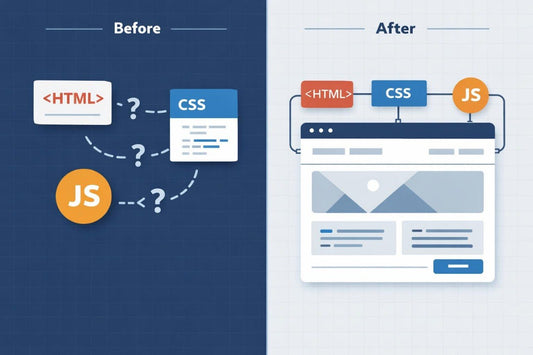
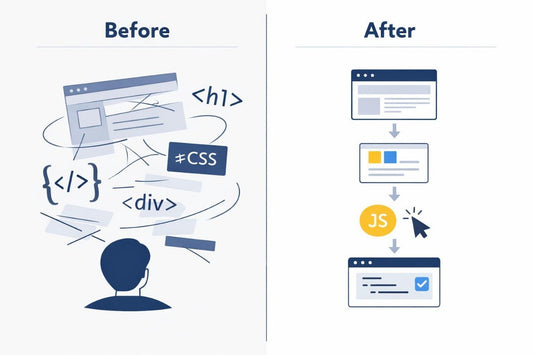
Weblioner began with the idea of making HTML, CSS, and JS learning more organized, calm, and suitable for independent study. We noticed that many learners found it difficult to start because of too many terms, scattered examples, and materials without a steady sequence, so we created courses with modules, code examples, and practice tasks.

  • Laptop displaying a software interface with 'Spark Pathway' branding on a white background
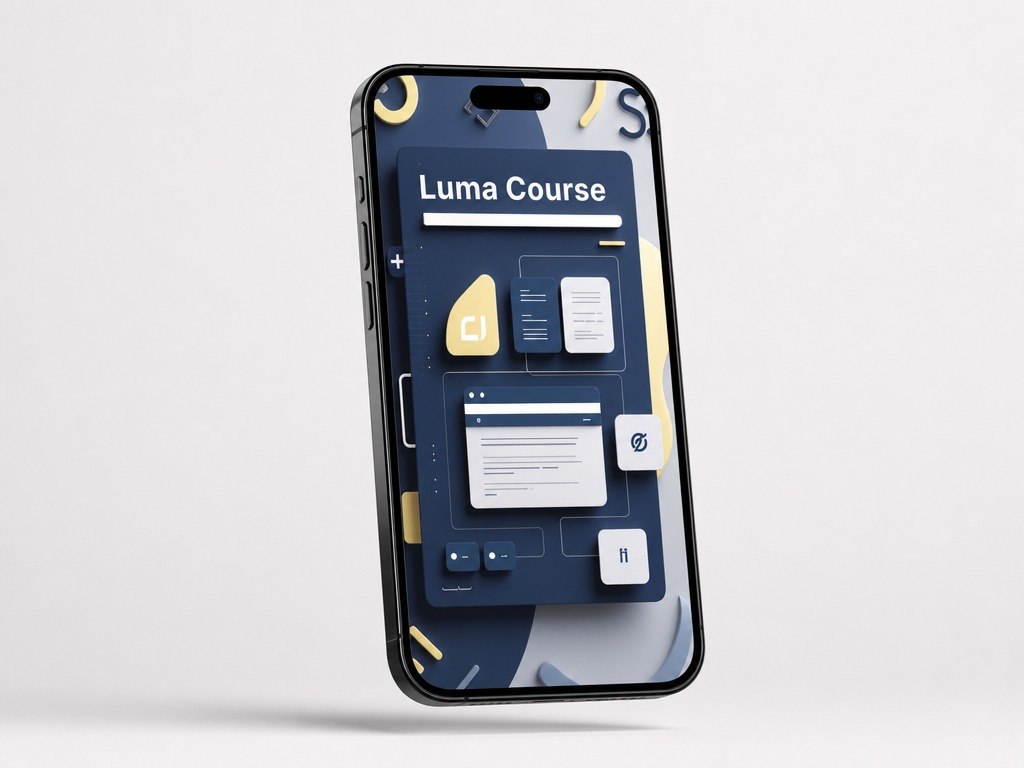
  • Phone case with Luma Course design on a white background
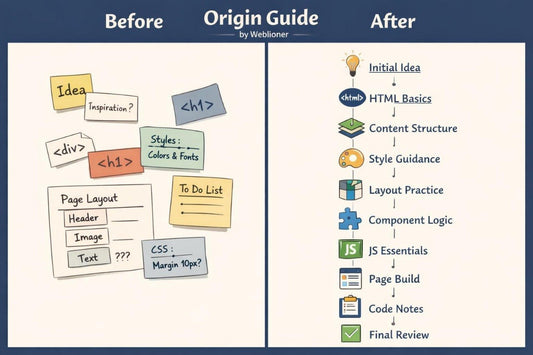
  • Digital tablet displaying a 'Origin Guide' with various icons on a white background
  • Marta Ward  - CSS Layout Builder

    Marta Ward

    CSS Layout Builder

  • Jeffry Massey - HTML Structure Designer

    Jeffry Massey

    HTML Structure Designer

  • Miranda Stephens - Web Page Assembly Developer

    Miranda Stephens

    Web Page Assembly Developer

Code That Starts to Make Sense

Our mission is to help people study web development through carefully built materials where HTML forms the page base, CSS supports visual order, and JS adds basic interaction. We create courses for learners who want to develop skills gradually, without pressure or loud claims.

  • White circular device with colorful buttons on a white background

    Code Rhythm

    The materials are arranged
    so learners can see the work
    sequence from the first page
    block to a small interaction.

  • Icon with CSS text and color swatches on a white background

    Module Logic

    Each module has its own
    learning role and supports
    the previous topic without
    a sudden jump.

  • Outline of a smartphone with text input on a white background

    Offline Study

    Courses can be downloaded
    after purchase and used at a
    comfortable pace without a
    constant connection.

  • Icon of a web browser window with HTML text on a white background

    Page Practice

    Learning tasks focus on real
    page parts: sections, cards,
    buttons, forms, and simple
    JS actions.

30-Day Money-Back Guarantee

Try the course risk-free. If you're not satisfied for any reason, get a full refund. No questions asked. Refund requests may be submitted within 30 days in accordance with our Refund Policy.

Start With a No-Cost Sample

Start exploring Weblioner with a free learning pack. It helps you see the explanation style, module structure, and approach to HTML, CSS, and JS. The materials can be used as a first look before choosing a broader plan.

  • Natalia Lloyd

    Natalia Lloyd

    She came to the course with basic page-building experience,
    but wanted to organize her code and section structure better.
    The route with learning cards, grids, FAQ blocks, and simple JS
    actions helped her study the page as connected parts.

    “The materials made page building feel more organized
    and easier to review.”

  • Shayne Bolton

    Shayne Bolton

    He already knew separate tags and CSS properties, but he
    found it difficult to bring them together into a neat learning
    page. The format with short explanations, code examples, and
    practice tasks after each section worked well for him.

    “The course helped me connect small code pieces into
    one readable page.”

Look Inside the Courses

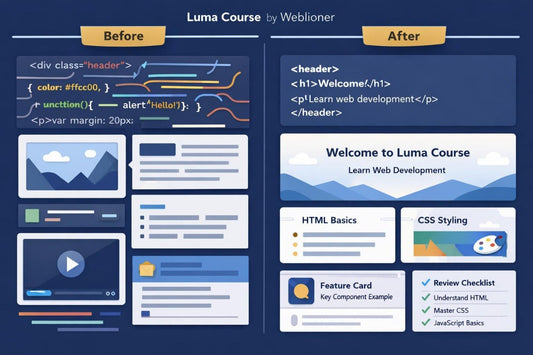
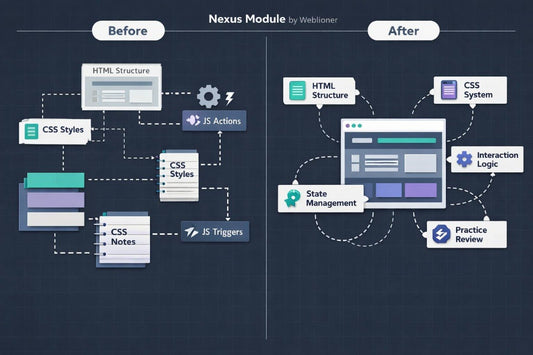
Preview the Weblioner learning materials before choosing a plan. The courses include HTML, CSS, and JS modules, code examples, practice tasks, and explanations of page logic. Each plan has its own material depth, so you can choose a format that matches your current level and study rhythm.