Weblioner
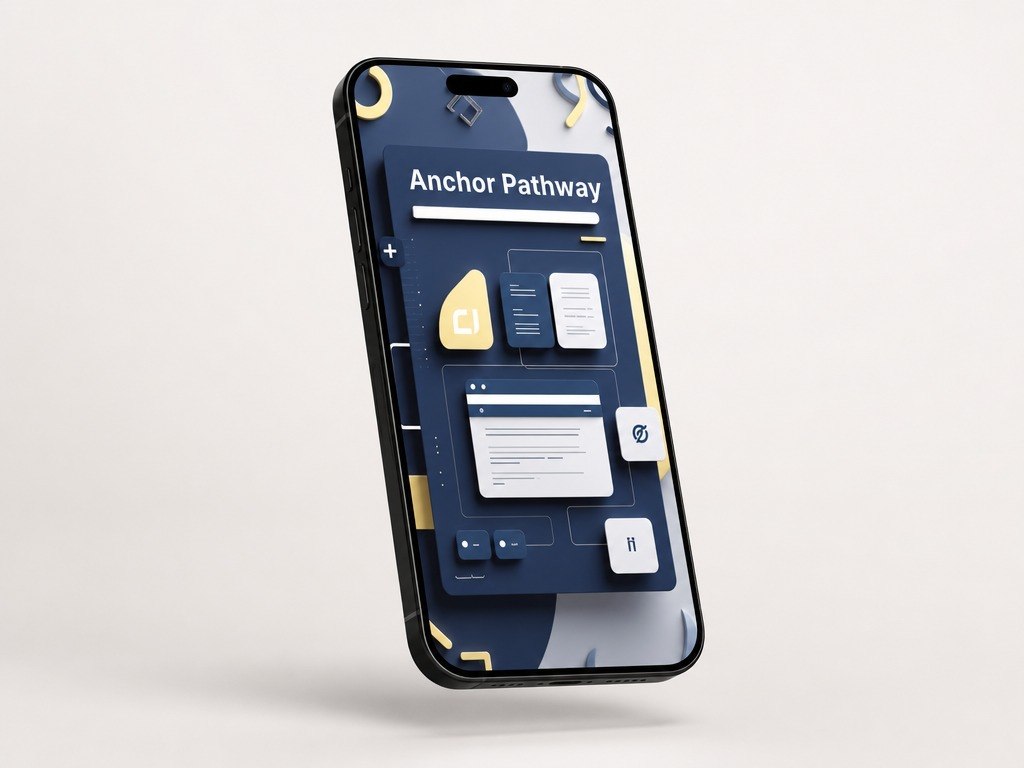
Anchor Pathway
Anchor Pathway
Couldn't load pickup availability
- 💾 Digital file available after purchase
- 📚 Long-term availability
- 🔐 Secure checkout
- 🧩 Content updated in 2026
Self-paced learning overview
1. Learning Situation
When a learner has already studied the basic topics, there is often a need to bring knowledge into one longer learning route. Separate examples may be clear, but when creating a full page with many sections, it can be easy to lose order. HTML, CSS, and JS need coordinated work so that structure, appearance, and element behavior do not conflict with each other. It is also important to learn how to read your own code, keep files neat, and avoid repeating the same solutions without need. Anchor Pathway is created to guide you through a fuller process of creating a learning interface from planning to final review.
2. How This Plan Helps
Anchor Pathway brings together topics from the previous plans into a more expanded learning route. You gradually work with the HTML base, section structure, CSS grid, cards, forms, FAQ block, and simple JS actions. The materials show how to plan a page, keep a consistent visual rhythm, and make code convenient to review again. Each module adds one part to the shared learning interface, so the work does not feel like a set of random fragments. This plan is for learners who want to study web development more broadly, more practically, and more consistently.
3. What’s Inside
- Module 1: Anchor Plan — how to define the learning goal of a page, divide it into sections, and plan the work order.
- Module 2: HTML Base Map — how to create a page base with headings, text, lists, buttons, and content blocks.
- Module 3: Section Flow — how to arrange sections so the page reads clearly from the first block to the final part.
- Module 4: Visual System — how to set repeated styles for colors, spacing, sizes, borders, and text elements.
- Module 5: Layout Grid — how to use a grid to organize cards, blocks, and element groups.
- Module 6: Card Library — how to create a set of learning cards with the same structure and different content.
- Module 7: Button & Link Patterns — how to style buttons and links so they fit naturally into the page.
- Module 8: Preview Section — how to create a preview block for learning materials.
- Module 9: FAQ Block Logic — how to prepare a questions-and-answers block with simple interaction.
- Module 10: Contact Form Layout — how to style a contact block with fields, labels, and a button.
- Module 11: JS Interaction Map — how to connect HTML elements with simple JS actions.
- Module 12: State Changes Practice — how to change text, class, or element appearance after a user action.
- Module 13: Multi-Section Build — how to assemble a learning page with several large sections.
- Module 14: Code Organization Notes — how to keep class names, file order, and code readability understandable.
- Module 15: Final Review Checklist — how to review HTML, CSS, and JS by structure, styles, interaction, and neatness criteria.
4. Who This Plan Is For
✅ Fits you if you...
Already know the basic ideas of HTML, CSS, and JS.
Want to follow the broadest learning route in this Weblioner line.
Want to bring your knowledge into one full learning page with several sections.
Want to work better with cards, grids, forms, a FAQ block, and simple JS actions.
Like a practical format where each module adds a new part to one shared build.
Plan to work more carefully with file structure, class names, and code readability.
❌ Not for you if you...
Are looking only for a short introduction to the topic.
Do not want to work with many modules and practice tasks.
Expect individual review of every task.
Need materials on only one topic without combining HTML, CSS, and JS.
Want to move directly into complex technical topics without working through the main page structure.
5. What You’ll Study
- Planning a full learning page with several sections.
- Building an HTML base with headings, text, lists, buttons, and content blocks.
- Arranging sections in a clear sequence.
- Creating a repeated style system for different page parts.
- Working with CSS grid to organize cards and element groups.
- Building a set of cards with one styling logic.
- Styling buttons, links, forms, and learning blocks.
- Creating a preview block for learning materials.
- Preparing a FAQ block with simple interaction.
- Adding JS actions to change text, class, or element appearance.
- Assembling a learning interface from many connected parts.
- Organizing code, class names, and file structure.
- Reviewing HTML, CSS, and JS using a clear list of criteria.
6. Return Terms
Anchor Pathway has 30-day return terms according to the store rules. Before placing an order, we recommend reviewing the plan description, included materials, and learning format. If, after reviewing the plan, it does not match your expectations, you can write to the Weblioner team through the Contact page to clarify the next steps.
Do I need previous experience with HTML, CSS, or JS?
Do I need previous experience with HTML, CSS, or JS?
No, the materials are structured so that new concepts are explained gradually. Each plan follows a clear sequence of topics, examples, and practice tasks. If you already know the basics, you can use the courses as organized revision.
What format are the materials in?
What format are the materials in?
The courses include lessons, modules, practice tasks, code examples, and learning materials. The format is made for self-paced study. The main focus is understanding page structure, styling, and basic interaction logic.
Share